
主题
LangSmith 的 Playground 允许您使用任何符合 OpenAI API 规范的模型。您可以通过在 Playground 中设置代理提供商来使用您的模型。
部署符合 OpenAI 规范的模型
许多提供商提供符合 OpenAI 规范的模型或代理服务。一些例子包括:
您可以使用这些提供商来部署您的模型,并获得一个符合 OpenAI API 规范的 API 端点。
请查看完整的 规范 以获取更多信息。
在 LangSmith Playground 中使用模型
一旦您部署了模型服务器,就可以在 LangSmith 的 Playground 中使用它。
要访问 提示设置 菜单:
- 在 Prompts 标题下,选择模型名称旁边的齿轮 图标。
- 在 Model Configuration 选项卡中,从下拉菜单中选择要编辑的模型。
- 在 Provider 下拉菜单中,选择 OpenAI Compatible Endpoint。
- 将您的 OpenAI 兼容端点添加到 Base URL 输入框中。
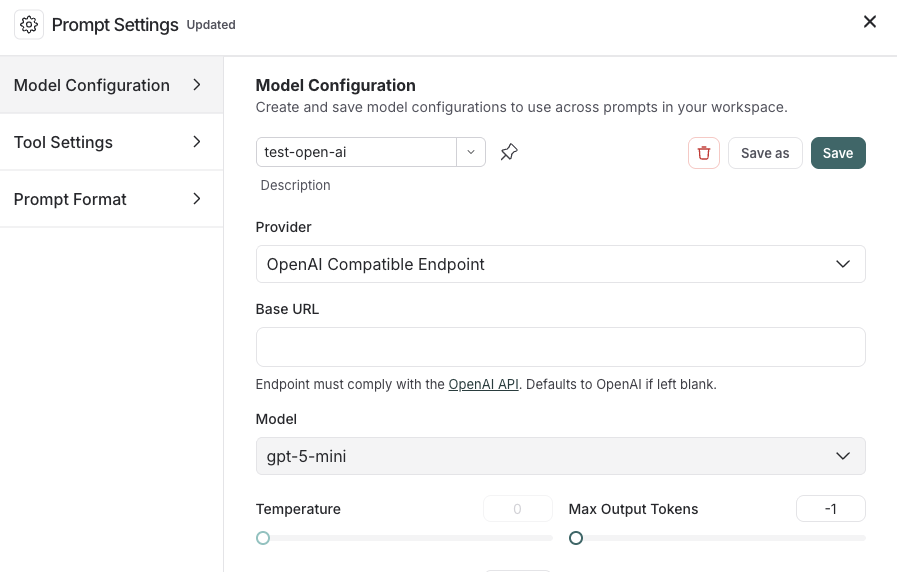
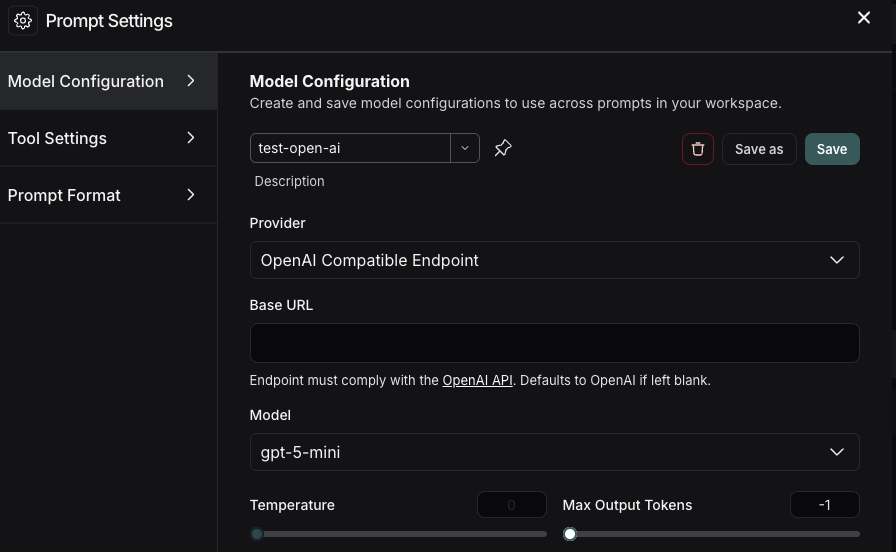
如果一切设置正确,您将在 Playground 中看到模型的响应。您也可以使用此功能来调用下游管道。
有关如何存储模型配置的信息,请参阅 配置提示设置。